Understand the client org. Prepare the next change.
Use the client org, repository and project knowledge to investigate requests, assess dependencies, and prepare changes and documentation for your consultants to review.
7-day trial. No credit card required.
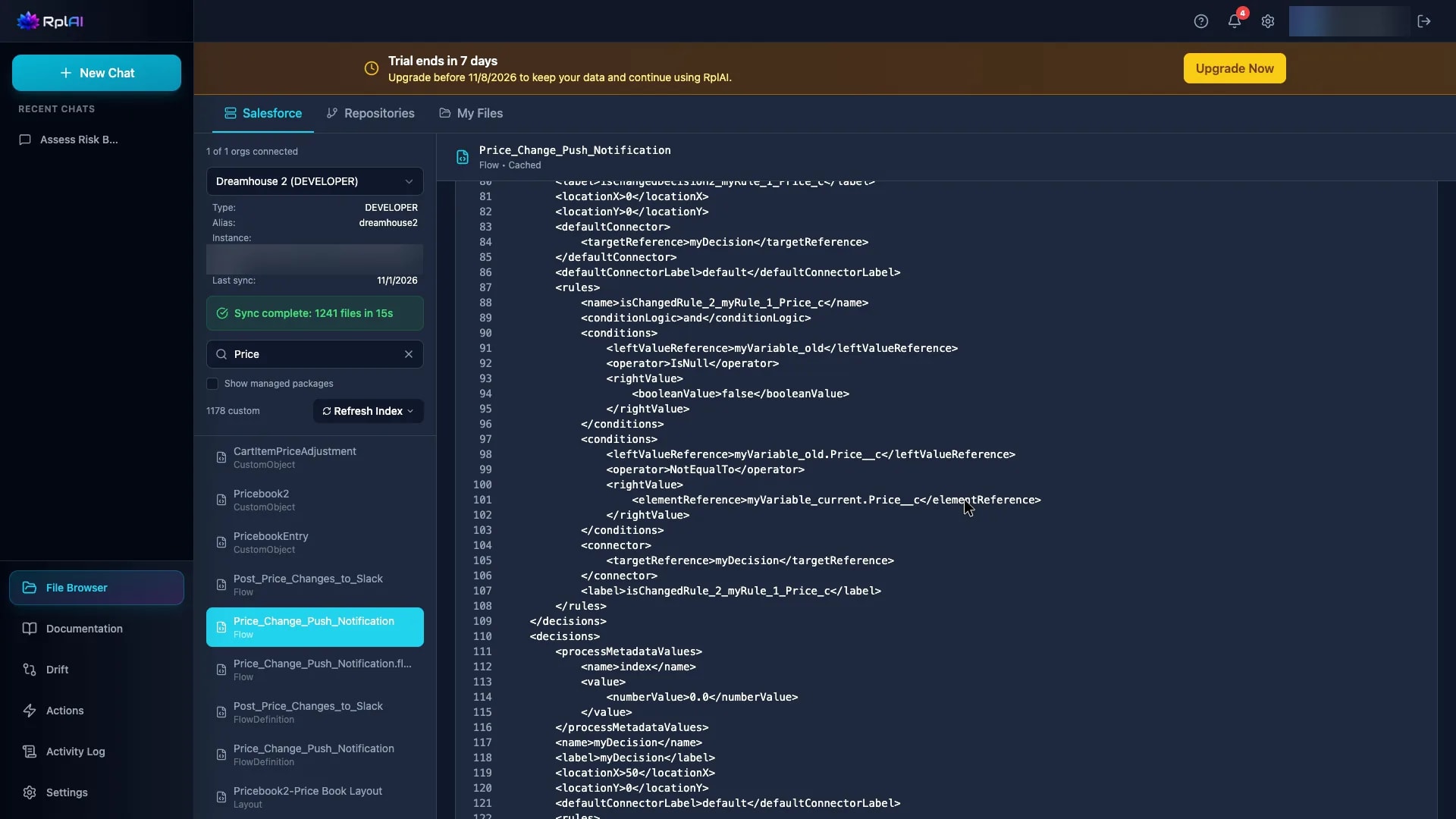
See how one client request becomes work ready for review
In a demo org with Salesforce sample data, RplAI starts from an existing Salesforce Flow and the field it reads. From there, a scoped change is assessed, prepared and documented for your consultants to review.
One request, four steps your consultants control
- Inspect the fields, Flows and Apex classes the request touches in the client org.
- Assess the impact analysis RplAI produces for changes to existing metadata, with direct and indirect dependencies.
- Prepare the change and validate it with a check-only deployment, which changes nothing in the org.
- Hand over the analysis, proposed work and documentation with the project.
Three consultancy situations
Taking over an existing implementation
Build an understanding of the configuration and code relevant to your first delivery request.
Scoping the next change
Inspect dependencies and implementation details before finalising the work your team needs to review.
Handing work to another consultant
Keep the analysis, proposed work and supporting documentation available with the project.
Give reviewers something concrete to inspect
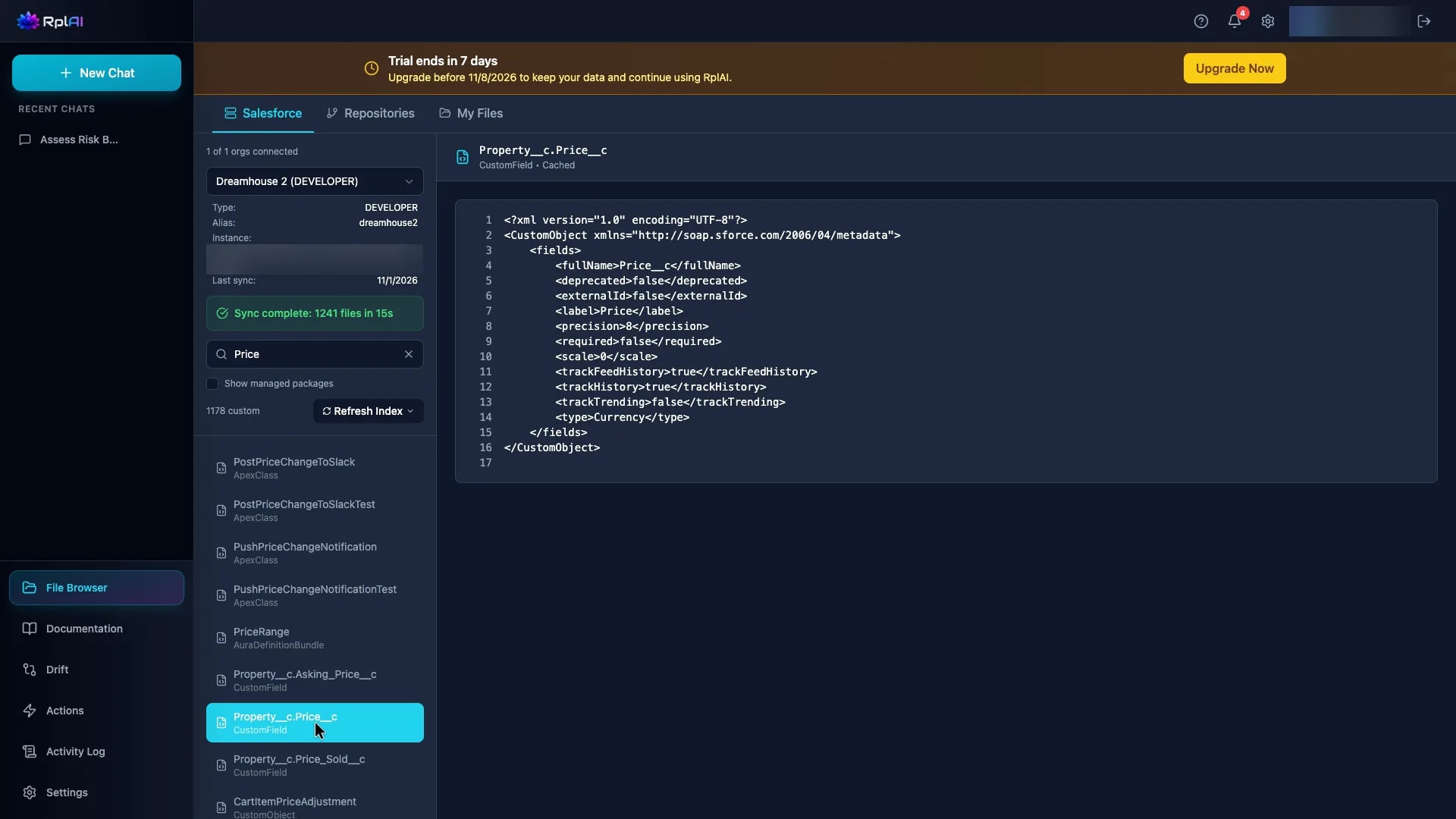
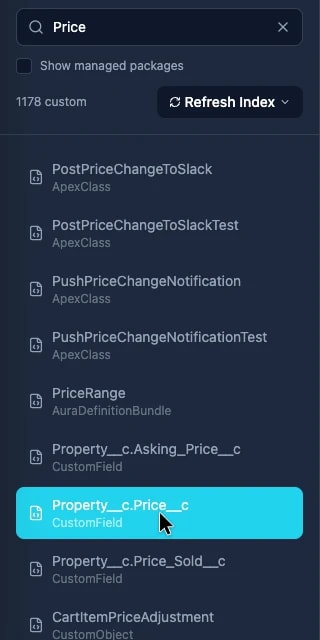
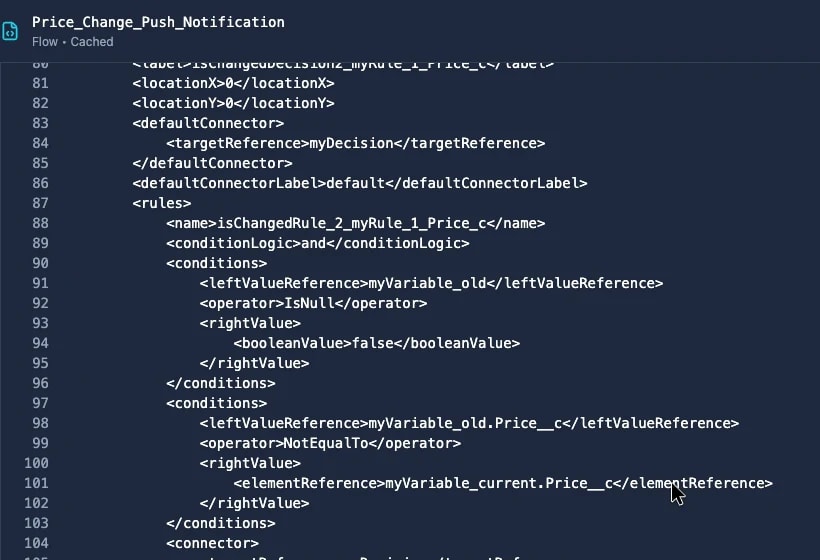
Every request starts with the components it touches. These excerpts from a demo org show two of them: the components that match a field name, and the Flow conditions that read that field. Use the same approach to evaluate one scoped request in your own authorised sandbox.
Evaluate one request before expanding across projects
Start with one Salesforce sandbox and one delivery question. Create your account, connect the environment you are authorised to use, and inspect the result with your team.
Your trial includes 1 user, 1 Salesforce org, 1 Git repository and 200 AI credits for 7 days.
Bring one delivery question
In a 15-minute session, we will walk through a scoped change in a demo org and explain how to evaluate a similar request in your own environment.
Prefer to try it yourself? Start your free trial.
Questions from consultancies
Do we need a client org to see the demonstration?
The demonstration uses our demo environment. To evaluate your own implementation, connect an environment you are authorised to use.
Does the trial cover several clients?
The standard trial includes one Salesforce org and one repository. Use it to evaluate one request. We can discuss the capacity needed for a broader consultancy rollout.
How should we evaluate the result?
Choose a request your consultants understand, inspect the relevant components and compare the proposed work with your own review criteria.
Who remains responsible for delivery approval?
Your consultants review the proposed work and approve deployments through the supported delivery process.
How are client data and permissions handled?
Read our privacy policy and terms before connecting a client environment. The requested permissions and your authority to connect that environment should be confirmed during setup.
Data handling: Privacy policy · Terms